Websites for real estate agents
Real estate websites for agents and property dealers: listings, enquiries and site visits
Buyers and tenants want photos, price, carpet area and location before they call, and agents want every enquiry to say which property it's about. A real estate website does both.
The problem
What gets in the way for a real estate agent
Your leads live on the portals
Listings and enquiries sit on property portals next to competitors, rather than on a channel you own.
Buyers want the details first
Photos, price, carpet area, floor, possession and locality decide whether someone calls at all.
Enquiries without a property reference
“Is it still available?” arrives with no hint of which flat, which floor or which listing.
Trust is the first hurdle
Buyers want to know you're registered, and that the projects you show are registered too.
What to include
What your website should include, and why
- 01
A page for each listing
Photos, price, carpet area, configuration, floor, possession and locality on one page you can share.
- 02
RERA details where they apply
Your agent registration and each project's RERA number shown clearly, so buyers can verify them with the state authority.
- 03
WhatsApp enquiries that name the property
Each listing's button opens WhatsApp with the property's reference already in the message.
- 04
Site-visit requests
Buyers ask for a visit with a preferred day and time, so you can plan visits back to back.
- 05
Separate sections to buy, rent or lease
Buyers, tenants and businesses each go straight to the listings that matter to them.
- 06
Locality pages from real knowledge
The areas you work in, described from experience: connectivity, schools, markets and the kinds of homes there.
Most real estate agent websites are built as business websites; the other option is custom websites.
Suggested structure
The pages a real estate agent website usually needs
A starting point, adjusted to your business when we plan your website.
01Home
- Featured listings
- Localities
- Enquire
02Buy
- Listings
- By type and budget
03Rent
- Listings
- Tenant information
04Listing page
- Photos
- Carpet area and price
- RERA number
05Contact
- Office
- Site visits
- Map
What every listing page should show
Buyers decide whether to call from these details, and RERA expects some of them to be stated clearly.
- Carpet area, which RERA makes the basis of sale
- Price, or “price on request”
- Configuration: BHK, bathrooms and balconies
- Floor and total floors
- Possession status or date
- Locality and nearby landmarks
- The project's RERA registration number, where it applies
- A reference code that appears in every enquiry
RERA points to check
- Real estate agents must register with their state's RERA authority, and listings of registered projects should show the project's registration number.
- Some states require extra details in advertisements, such as QR codes; confirm your state's rules.
- Photos and specifications must match the actual property.
This is a summary to plan your website around, not legal advice. Please confirm the rules that currently apply to you; we build the website around what you confirm.
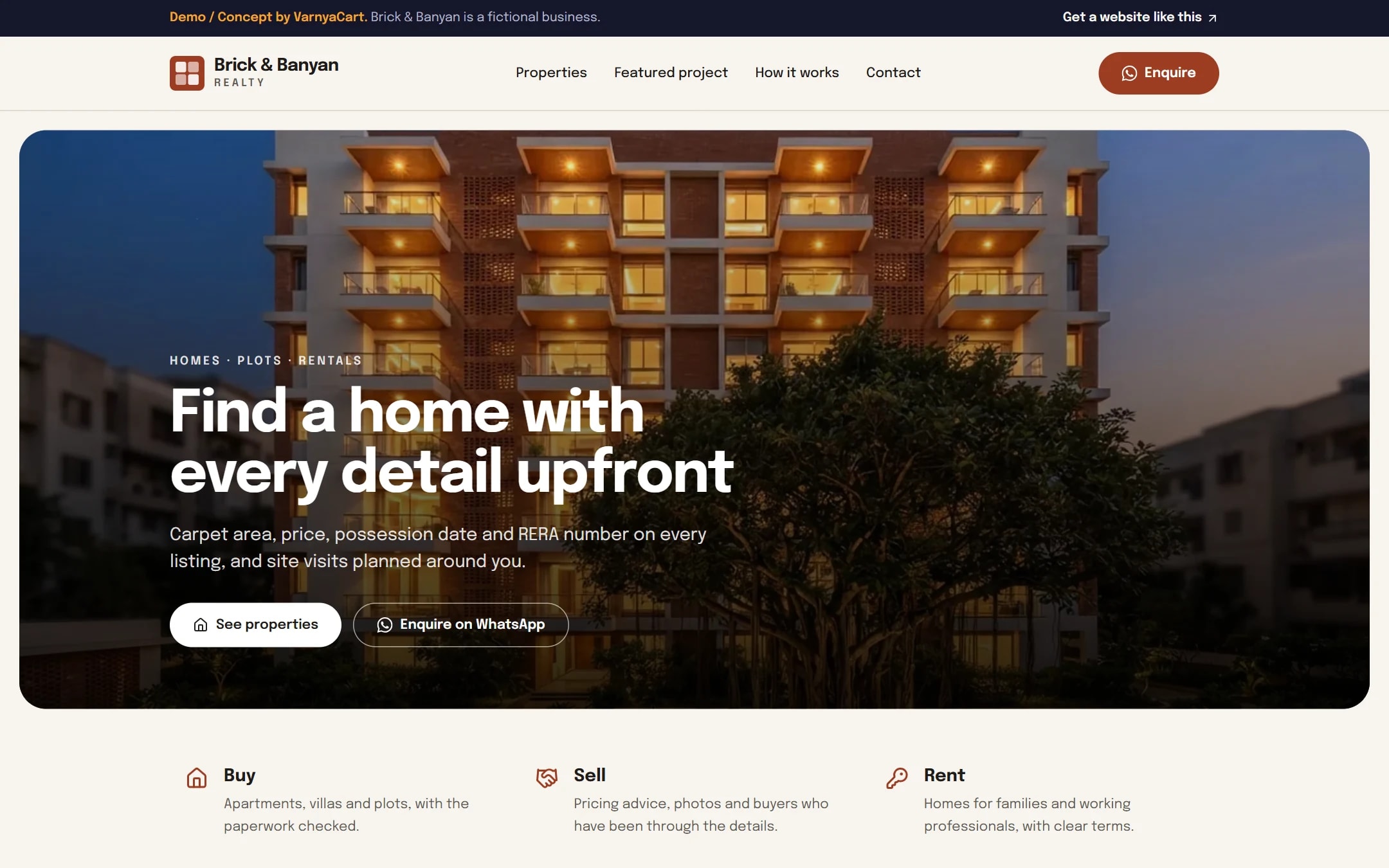
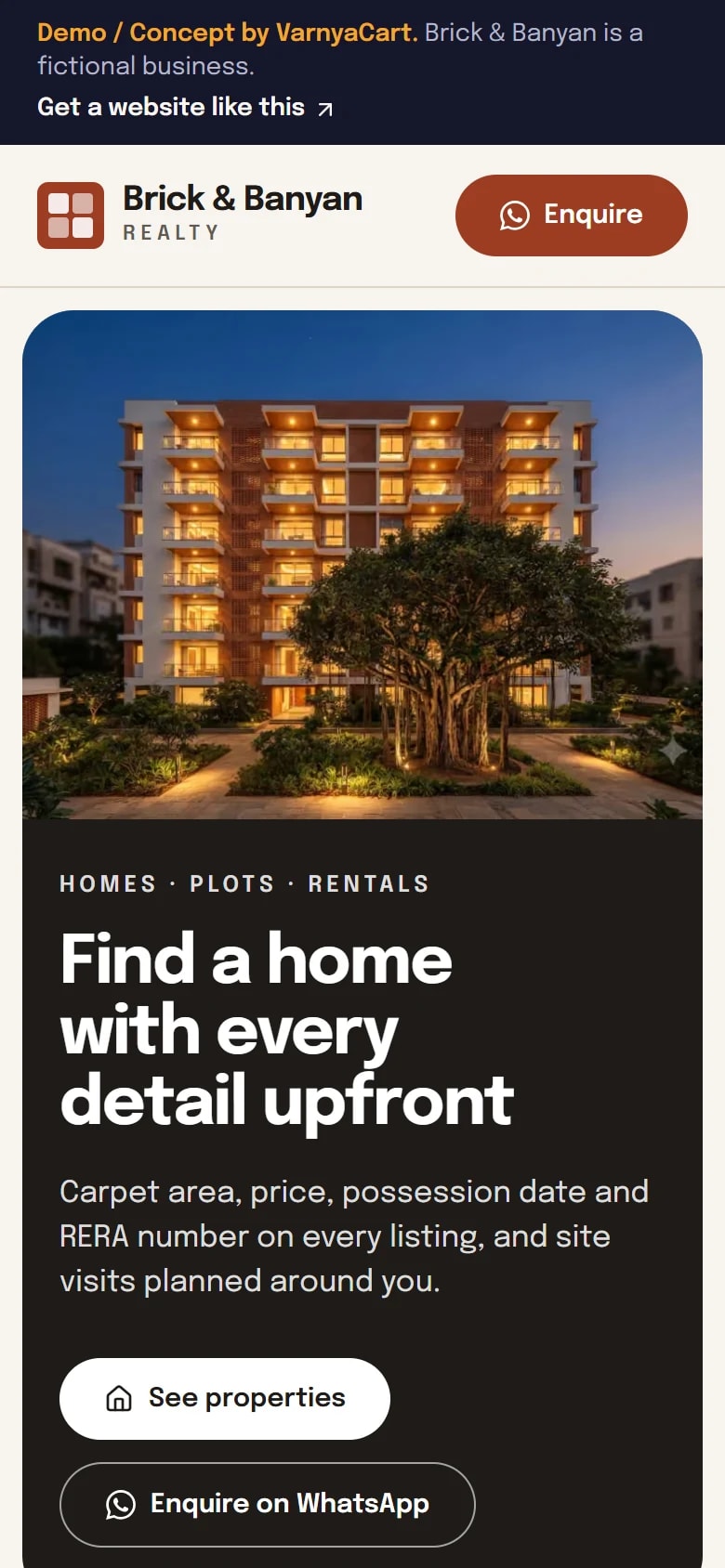
See the pattern in a working demo: Brick & Banyan
Brick & Banyan is a fictional real estate agency we built to show these ideas in practice. It isn't a client project.
How we build it
Five steps from brief to launch
- 01
Share your requirements
Tell us about your business, the pages you need and the features you want.
- 02
Plan the website
We organise your content, page structure and features.
- 03
Design and build
Your website is designed and built to the agreed requirements.
- 04
Review
You review the website and give feedback within the agreed scope.
- 05
Launch
After final checks, your website goes live.
Websites start at ₹2,999
The final price depends on the number of pages, features, integrations, custom functionality, content requirements and design complexity.
Digital marketing for real estate agents
Then help more customers find you
Once your website is live, we can set up your Google Business Profile for Google Maps, post on your Instagram and Facebook, and run Google, Facebook and Instagram ads that bring enquiries to your WhatsApp.
Launch offerThe All-in-One Digital Marketing Package for ₹4,999, for the first 20 businesses. Ad budget is separate and paid directly to Google/Meta.
FAQ
Questions property agents ask
Can I add and update listings myself?
Our websites don't include a dashboard for editing content yourself, so how often your listings change shapes the plan. Tell us your typical number of listings when you enquire.
Where should RERA numbers appear on an agent's website?
On every listing of a RERA-registered project, with your own agent registration in the footer or contact section. Check your state's rules for any extra details.
Will my listings look good when shared on WhatsApp?
Yes. Each listing page carries its own title, description and image for link previews, so a shared listing shows the property rather than a bare web address.
Can my website import listings from property portals?
That depends on the portal and would be scoped separately. Ask about it when you enquire, and we'll tell you honestly what's possible.
How should sold or rented properties be shown?
Mark them as sold or rented for a while instead of deleting them at once; they show the kind of property you handle. Remove them once they're no longer useful.
Related industries
Websites for similar businesses
Builders & developers
A page per project with floor plans, RERA details, progress updates and site visits.
Interior designers
A portfolio by room and style, honest render labels and enquiries that include a budget.
Used-car dealers
Car pages with the key details, enquiries that name the car, test drives and sell requests.
Let's plan your real estate agent website
Tell us about your business and what you want customers to do. We'll suggest the pages and features that fit.