Websites for architects
Architecture websites that let your projects speak: fast, image-rich and well organised
An architect's work is visual, but a heavy PDF portfolio doesn't open well on a phone. An architecture website presents your projects by type, loads quickly and explains how you work.
The problem
What gets in the way for an architect
Portfolios trapped in heavy PDFs
A large PDF portfolio crawls on mobile data, and gets forwarded instead of opened.
Big images, slow pages
High-resolution renders and photographs make many websites slow, and visitors leave before the first project appears.
Projects without structure
Residential, commercial and institutional work mixed in one gallery makes it hard for a client to find what's relevant.
Clients don't know how the process works
Concept, approvals, drawings and site supervision mean little to someone building for the first time.
What to include
What your website should include, and why
- 01
Project pages with real details
Location, built-up area, year and status for each project, with drawings and photographs, give clients context.
- 02
Filters by project type
Residential, commercial, hospitality or institutional: clients see the work closest to their own brief.
- 03
Galleries that stay fast
Images sized for each screen and loaded as visitors scroll keep large photographs quick to view.
- 04
Renders labelled as renders
Clearly marking visualisations, unbuilt schemes and competition entries keeps your portfolio honest.
- 05
Your process, stage by stage
Concept, approvals, working drawings and site supervision explained, so clients know what they're signing up for.
- 06
Registration details
Your Council of Architecture registration shown clearly, so clients can verify it.
Most architect websites are built as business websites; the other option is custom websites.
Suggested structure
The pages an architect website usually needs
A starting point, adjusted to your business when we plan your website.
01Home
- Featured projects
- The practice
- Contact
02Projects
- By type
- Project pages
- Status
03Practice
- Studio
- Team
- Registration
04Process
- Stages
- What clients provide
05Contact
- Studio address
- Map
- Enquiry on WhatsApp
The stages an architecture website should explain
Most clients have never commissioned a building before. Laying out the stages answers their questions in advance.
- 01
Concept
Understanding the brief, the site and the budget, and exploring options.
- 02
Approvals
Drawings for the local authority's sanction and any other approvals needed.
- 03
Working drawings
Detailed drawings that the contractor builds from.
- 04
Site supervision
Periodic visits to check the work follows the design.
Professional conduct to keep in mind
- The Architects (Professional Conduct) Regulations, 1989 restrict how architects advertise their services, so the website stays factual and portfolio-led.
- Show awards and publications only if they're real, and label renders and unbuilt schemes clearly.
- Confirm the Council of Architecture's current guidance before publishing.
This is a summary to plan your website around, not legal advice. Please confirm the rules that currently apply to you; we build the website around what you confirm.
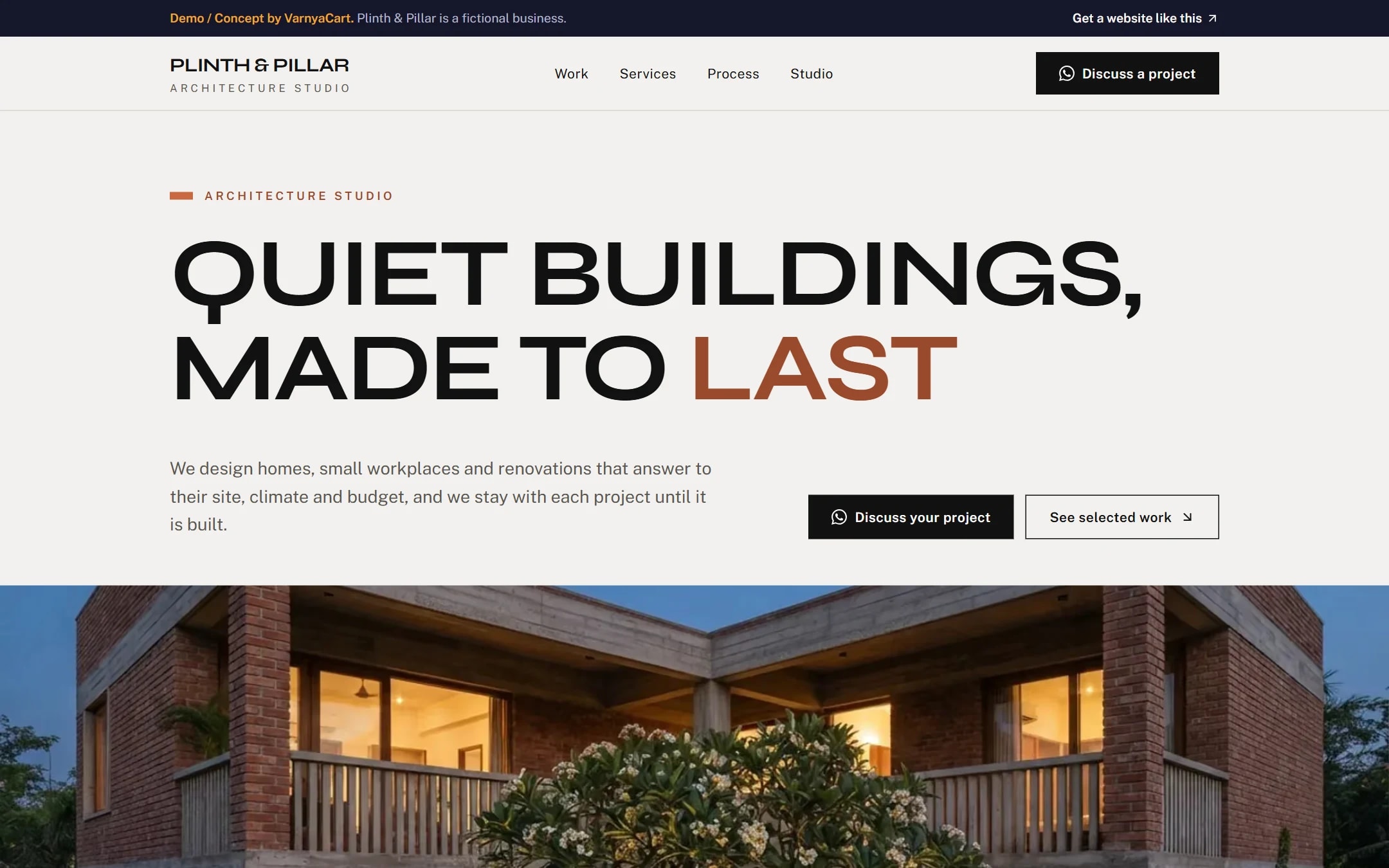
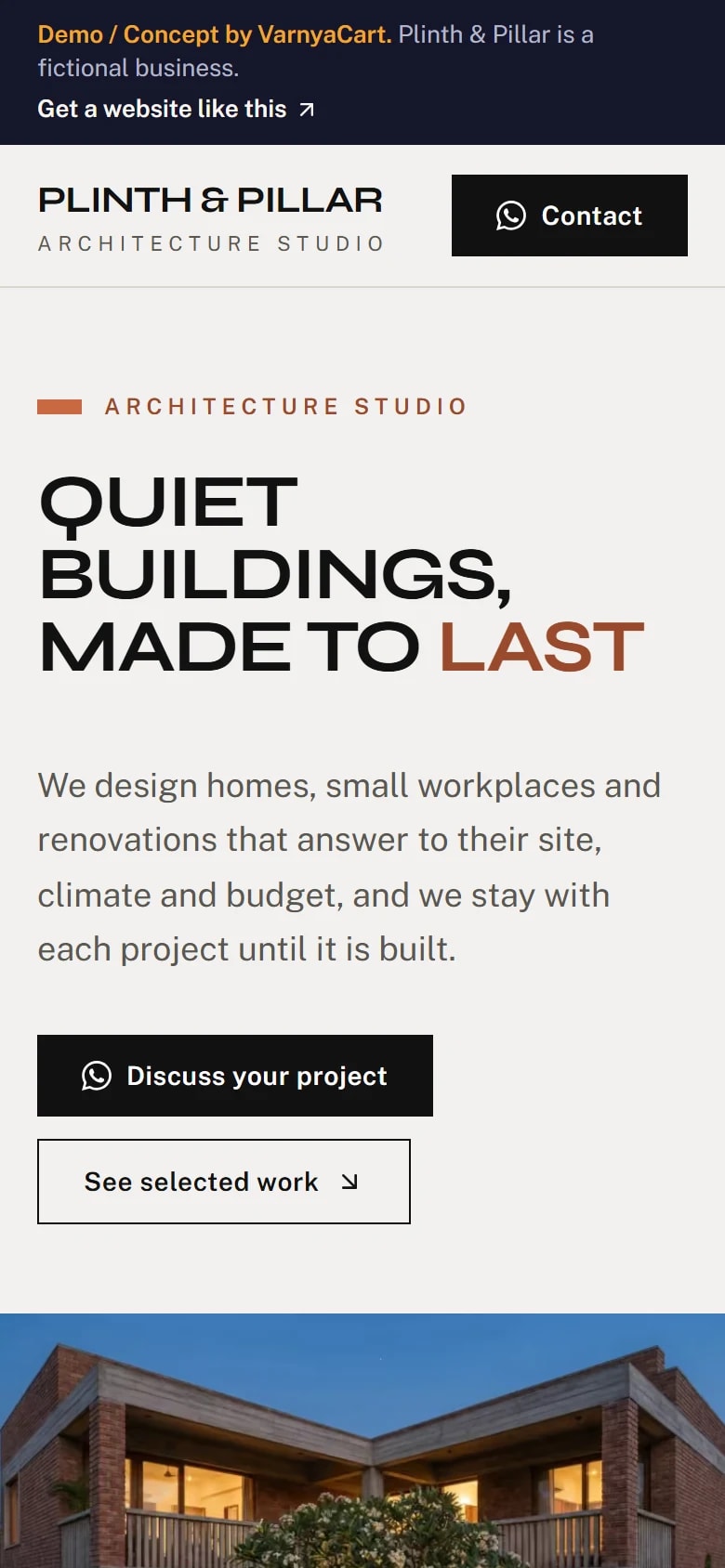
See the pattern in a working demo: Plinth & Pillar
Plinth & Pillar is a fictional architecture studio we built to show these ideas in practice. It isn't a client project.
How we build it
Five steps from brief to launch
- 01
Share your requirements
Tell us about your business, the pages you need and the features you want.
- 02
Plan the website
We organise your content, page structure and features.
- 03
Design and build
Your website is designed and built to the agreed requirements.
- 04
Review
You review the website and give feedback within the agreed scope.
- 05
Launch
After final checks, your website goes live.
Websites start at ₹2,999
The final price depends on the number of pages, features, integrations, custom functionality, content requirements and design complexity.
FAQ
Questions architects ask
Won't large project images slow my website down?
Not if they're prepared properly. Images are sized for each screen, compressed in modern formats and loaded as visitors scroll, so galleries stay quick.
Can I show unbuilt or competition projects?
Yes, labelled clearly as concepts, renders or competition entries, so nobody mistakes them for completed buildings.
Are architects allowed to advertise online?
The Architects (Professional Conduct) Regulations, 1989 restrict advertising of professional services. A factual, portfolio-led website is the usual approach; confirm the current guidance.
How should an architecture portfolio be organised?
By project type first, such as residential, commercial and institutional, then by status. Clients look for work that resembles their own brief.
Related industries
Websites for similar businesses
Interior designers
A portfolio by room and style, honest render labels and enquiries that include a budget.
Builders & developers
A page per project with floor plans, RERA details, progress updates and site visits.
Let's plan your architect website
Tell us about your business and what you want customers to do. We'll suggest the pages and features that fit.