Websites for repair and maintenance services
Repair and maintenance websites that help customers reach you fast
When an AC stops cooling or a washing machine floods the floor, people want a technician now. A repair website puts your number, services and charges where a worried customer sees them in seconds.
The problem
What gets in the way for a repair business
Breakdowns can't wait for a reply
Someone with a leaking AC or a dead fridge wants a technician today, and calls whoever they can reach first.
“What's the visit charge?”
The inspection or visit charge is the question behind almost every call, and customers hang up when it isn't clear.
Which brands do you fix?
Customers can't tell whether you service their brand or model, and there's nowhere to check before calling.
Maintenance contracts are hard to explain on a call
An annual maintenance contract needs detail: visits per year, what's covered, what costs extra. That's a lot for one phone call.
What to include
What your website should include, and why
- 01
Call and WhatsApp buttons that stay on screen
On a phone, the buttons stay visible as people scroll, because most repair enquiries are urgent.
- 02
Services by appliance
AC, refrigerator, washing machine, water purifier, plumbing and electrical work, each with the common problems you fix.
- 03
A clear visit-charge note
The inspection charge, and whether it's adjusted against the repair, stated plainly before anyone calls.
- 04
Brands you service, stated factually
A plain list of the brands you repair, without logos or any suggestion that you're an authorised centre unless you are.
- 05
Technician requests on WhatsApp
A button opens WhatsApp with prompts for the appliance, the problem and a convenient time for the visit.
- 06
A page for maintenance contracts
Visits per year, what's covered and what costs extra, written out so customers can decide without a long call.
Most repair business websites are built as business websites; the other option is landing pages.
Suggested structure
The pages a repair business website usually needs
A starting point, adjusted to your business when we plan your website.
01Home
- Call now
- Services
- Areas covered
02Services
- AC repair
- Appliances
- Plumbing and electrical
03Charges
- Visit charge
- Common repairs
04Maintenance plans
- What's covered
- Visits per year
05Request a technician
- WhatsApp request
- Hours
- Areas
What every repair page should make clear
These are the questions behind nearly every call. Answering them on the page saves you and your customers time.
- The visit or inspection charge, and whether it's adjusted in the final bill
- The areas you cover
- Your working hours, and emergency service only if you offer it
- The brands and appliance types you repair
- Whether spare parts are original or compatible
- Any service warranty, only if you actually give one
Stay clear of brand confusion
- Don't call yourself an “authorised service centre” unless the brand has authorised you.
- Avoid brand logos: list brand names as plain text instead.
This is a summary to plan your website around, not legal advice. Please confirm the rules that currently apply to you; we build the website around what you confirm.
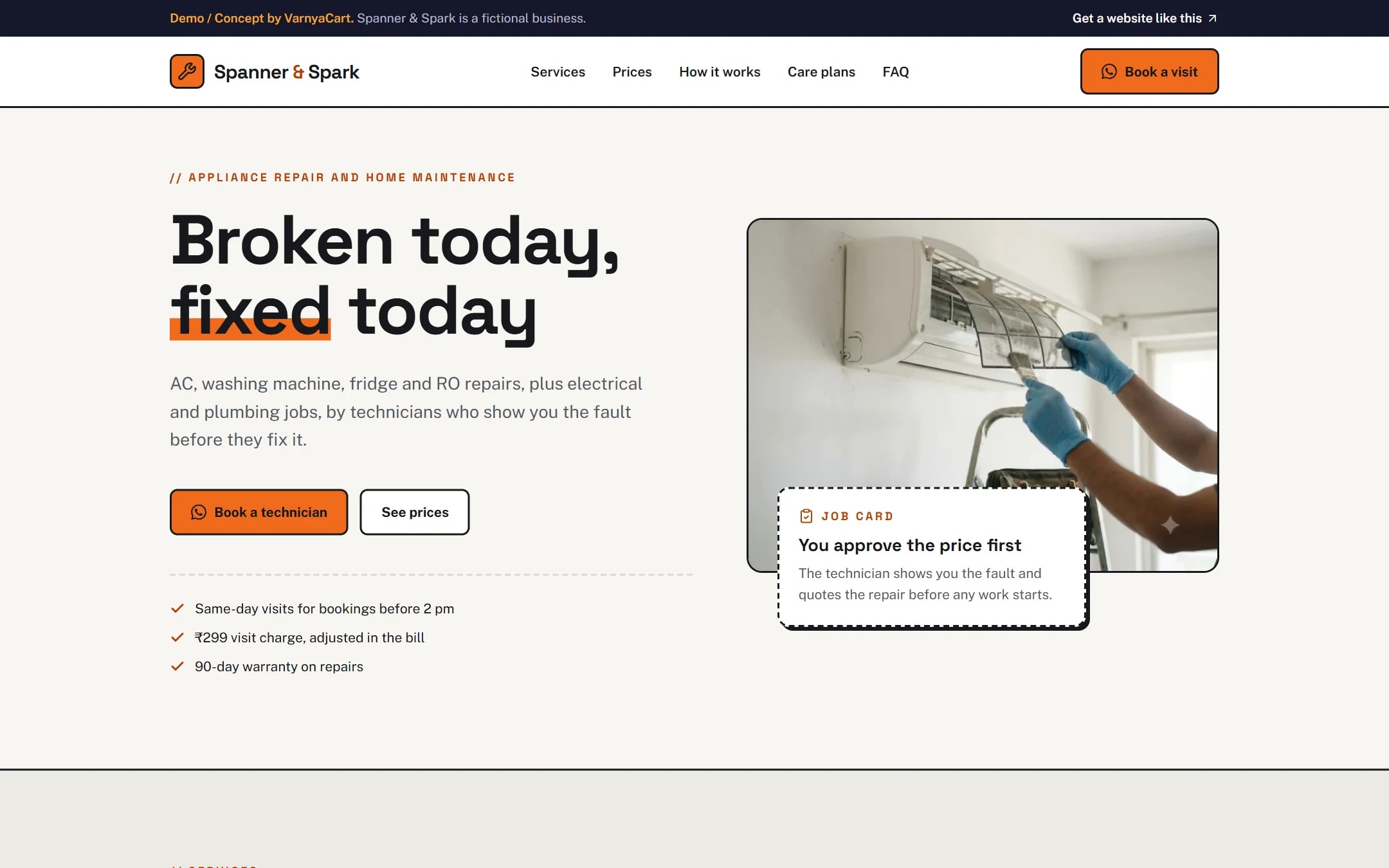
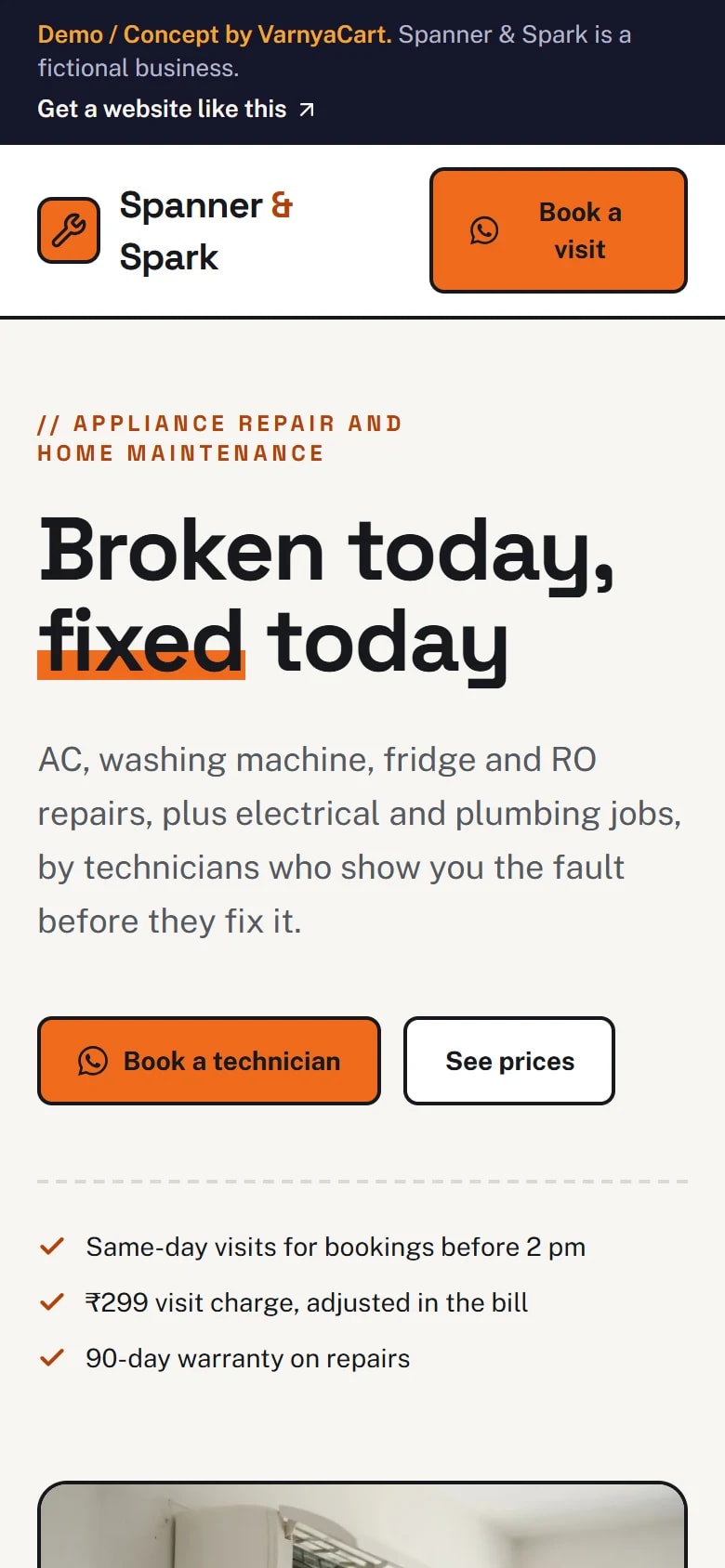
See the pattern in a working demo: Spanner & Spark
Spanner & Spark is a fictional appliance repair and home maintenance service we built to show these ideas in practice. It isn't a client project.
How we build it
Five steps from brief to launch
- 01
Share your requirements
Tell us about your business, the pages you need and the features you want.
- 02
Plan the website
We organise your content, page structure and features.
- 03
Design and build
Your website is designed and built to the agreed requirements.
- 04
Review
You review the website and give feedback within the agreed scope.
- 05
Launch
After final checks, your website goes live.
Websites start at ₹2,999
The final price depends on the number of pages, features, integrations, custom functionality, content requirements and design complexity.
Digital marketing for repair & maintenance services
Then help more customers find you
Once your website is live, we can set up your Google Business Profile for Google Maps, post on your Instagram and Facebook, and run Google, Facebook and Instagram ads that bring enquiries to your WhatsApp.
Launch offerThe All-in-One Digital Marketing Package for ₹4,999, for the first 20 businesses. Ad budget is separate and paid directly to Google/Meta.
FAQ
Questions repair business owners ask
Can customers request a technician online?
Yes, on WhatsApp. The request button opens a chat with prompts for the appliance, the problem and a convenient time, and you confirm the visit.
Should I show my visit charges?
Yes. A clear inspection or visit charge, and whether it's adjusted against the repair bill, settles the biggest question before customers call.
Can I list the brands I repair?
You can name them as plain text. Avoid brand logos, and never imply you're an authorised service centre unless you have that authorisation.
How do I explain annual maintenance contracts?
Give each plan its own section with the visits per year, what's covered and what's charged extra, so customers can compare without a long call.
Related industries
Websites for similar businesses
Cleaning services
Service checklists, price guidance by home size, areas served and slot requests on WhatsApp.
Car workshops & service centres
A service menu, estimates by make and model, pickup-and-drop areas and service requests.
Let's plan your repair business website
Tell us about your business and what you want customers to do. We'll suggest the pages and features that fit.